
It’s been some time since Insightful Accountant looked at SmartVault which is why it’s appropriate that we provide an updated App Aware feature on it.
App Aware is one of Insightful Accountant's most popular features for both our readers and contributing developers because the articles summarize an App or Software for integration with one or more accounting platforms. Today, Murph seeks to make you 'App Aware' of SmartVault.
SmartVault is a secure, cloud-based document management and client portal platform built specifically for accounting and tax professionals. Founded in 2008, the company now serves more than 3 million users and 30,000 businesses worldwide, supporting the management of more than 500 million documents. The platform combines secure file storage, client collaboration, workflow automation, and compliance-focused controls in one system designed to help firms modernize document-heavy tax and accounting processes.
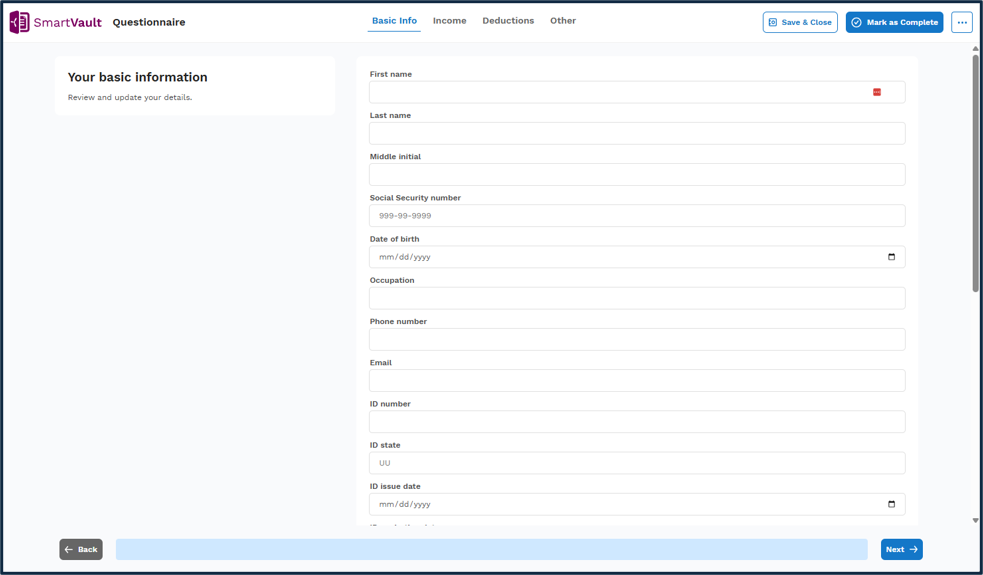
Its security posture includes SOC 2 Type 2 compliance and tools that support firm obligations under IRS 4557, the FTC Safeguards Rule, and GLBA. For tax practices, SmartVault also emphasizes automation across the tax preparation workflow, with the goal of reducing administrative time by as much as 60 to 90 minutes per return.
Key Features and Benefits of SmartVault
SmartVault’s primary value is in reducing the friction around client document exchange and back-office administration. Rather than relying on email attachments, manual reminders, or disconnected storage tools, firms can use SmartVault to standardize how documents are requested, received, organized, signed, and retained.

-
Secure document management designed for accounting and tax firms.
-
A branded client portal for secure sharing, document requests, and collaboration.
-
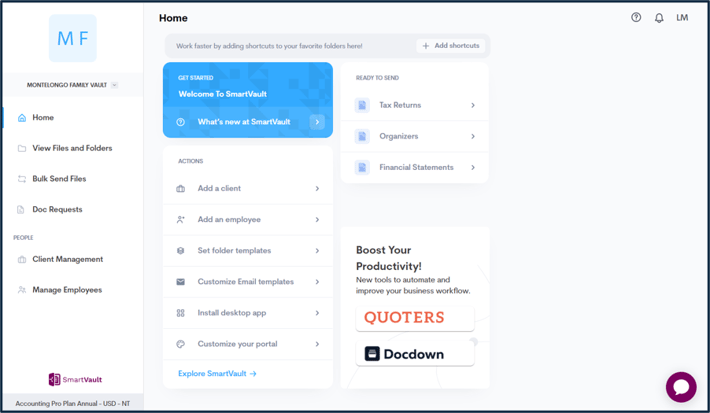
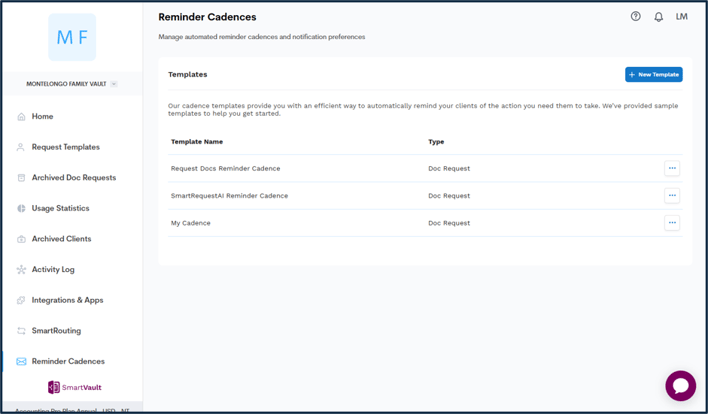
Automated document collection, reminders, organization, routing, and workflow management.
-
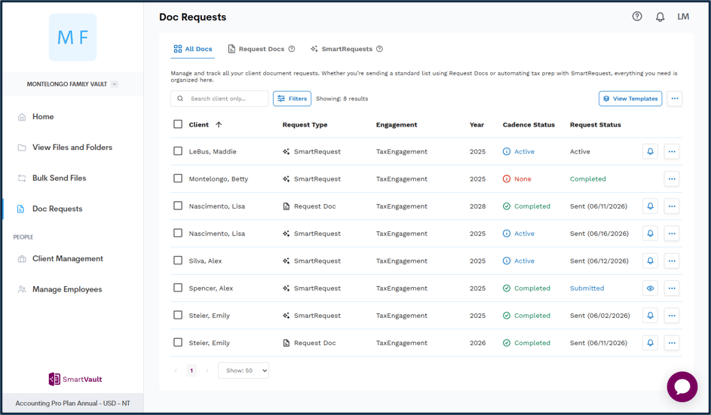
SmartRequestAI for personalized tax document requests.
-
Built-in eSignature support for engagement letters, approvals, and related firm processes.
-
Enterprise-grade security features, including encryption, audit trails, and access controls.
-
Unlimited cloud storage and secure remote access for distributed teams and clients.
Accounting Integrations
Even though you won’t find SmartVault listed within the QuickBooks App Center, it integrates with major versions of QuickBooks Desktop and QuickBooks Online in the United States, allowing users to attach and manage documents directly within QuickBooks. This connection can improve organization, support audit readiness, and help firms keep related records tied to the appropriate client or transaction.
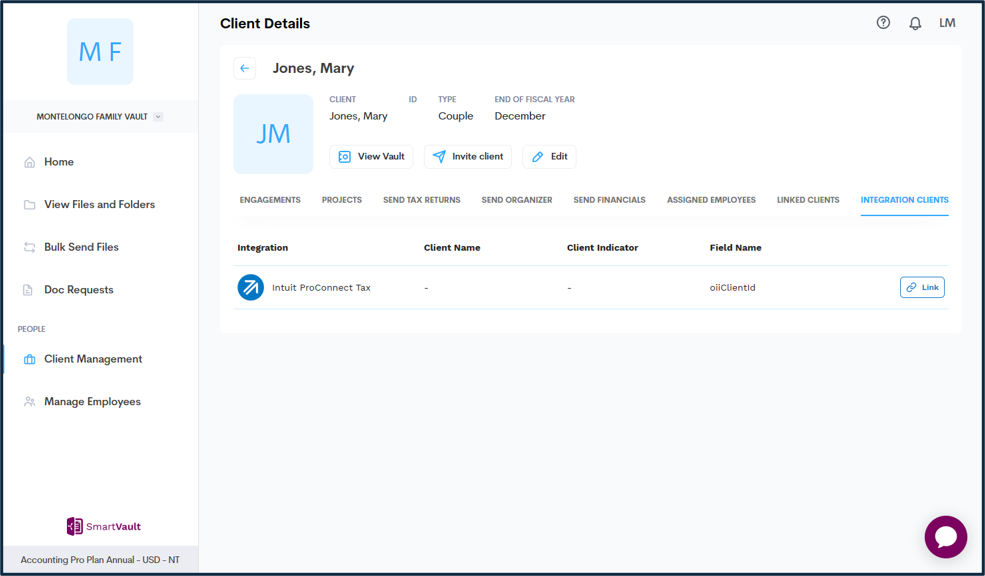
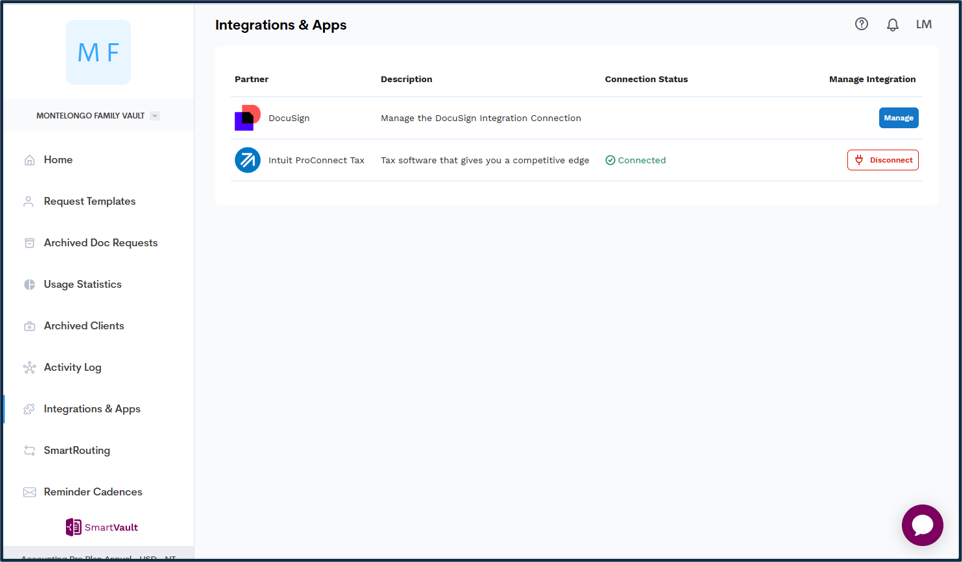
SmartVault also integrates with leading tax and accounting applications, including Lacerte, ProConnect, ProSeries, Drake, UltraTax CS, and others. It does not currently integrate with Xero.
Competitive Landscape
Within the accounting and tax technology market, SmartVault competes most directly with document management and client collaboration platforms such as TaxDome and ShareFile. If you are going to compare and contrast App offerings these are two you may want to consider during your research.
App Aware Conclusion
If you’re wanting a cloud-based document management solution that focus on secure document workflows for firms that need client portals, tax document collection, integrations, eSignature support, and compliance-oriented document controls in a single environment, be sure to check out SmartVault.
For More Information
Visit the SmartVault website for more information. You can schedule a demo at this webpage, and you can schedule a trial, including a product walk-through and assisted set-up, via this official webpage.
SmartVault is based in Houston, Texas. You will find contact information here.