
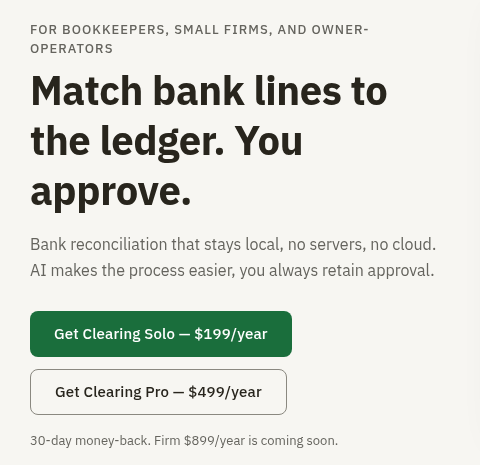
Clearing is a desktop bank reconciliation tool for bookkeepers, small firms, and owner-operators. It matches bank lines to your ledger, with every transaction approved before reconciliation.
“Clearing does not replace QuickBooks or Xero, nor, in my opinion, serve as an add-on for either. I see it as a solution for those keeping a general ledger in a spreadsheet who want to reconcile bank transactions to the actual bank statement.” (Murph)
Accounting Integrations
At present, Clearing does not integrate with QuickBooks or Xero.
You load a bank file and ledger export, in CSV or Excel, on your computer. Clearing matches what it can, you resolve mismatches, and nothing clears until you approve. Your corrections remain local and appear in the next month’s pass.
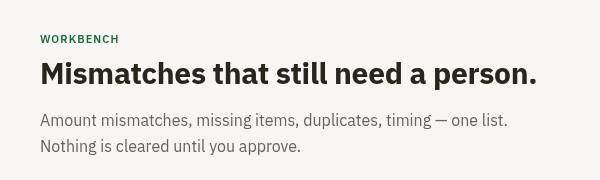 Clearing Workbench
Benefits of Clearing
-
Matches bank lines to the ledger that you approve.
-
Runs locally; no servers, no cloud.
-
AI makes the process easier.
-
One list of mismatches that still need a person.
-
Nothing is cleared until you approve.
-
CSV or Excel from any bank, including accounts with no live feed.
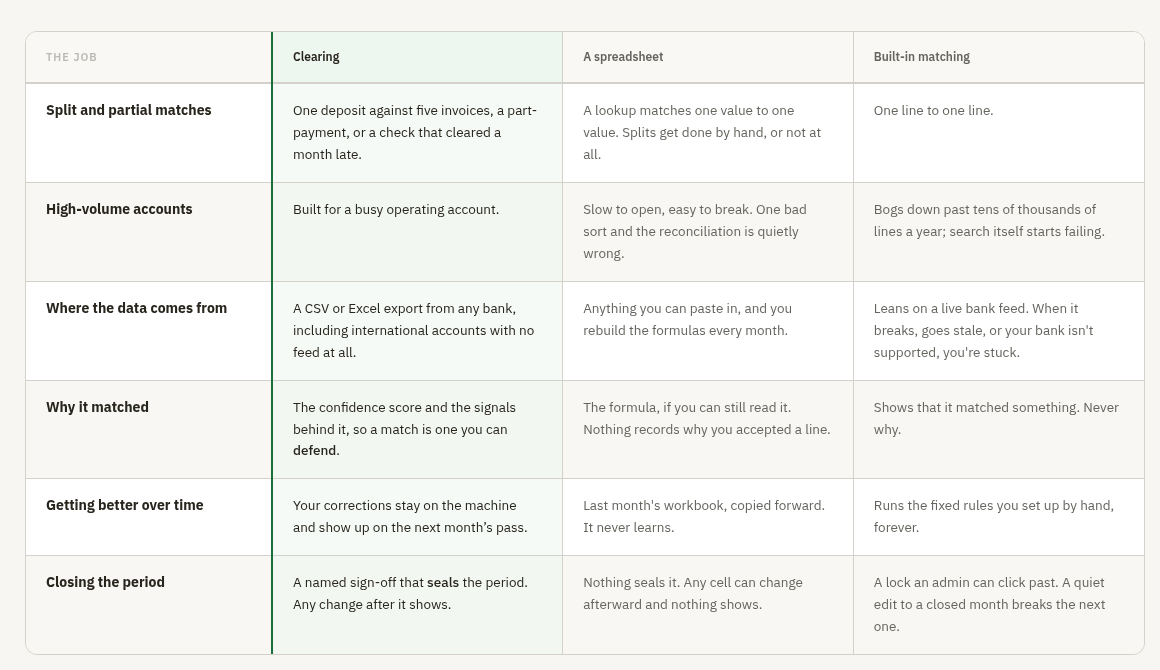
Clearing Compare
Competitive Landscape
In the fintech market, QBO and Xero are accounting solutions offering built-in bank reconciliation tools and represent alternatives to Clearing.
Conclusion
If you do not use accounting software such as QuickBooks or Xero and typically download bank statements, Clearing can reconcile bank transactions with a ledger kept in a spreadsheet or other CSV or Excel source.
For More Information
Visit the Clearing webpage for details.
Contact Clearing at GreenBar Systems, 5353 N 16th Street, Suite 410, Phoenix, AZ 85016.
Disclosures:
App Aware features are concise articles designed to summarize an App and make readers aware of it. These features are primarily composed of information provided by the App Developer, with limited review of the Developer's website or QuickBooks App Store webpage by Insightful Accountant writers, editors, or staff. Content is provided solely for educational and informational purposes. App Aware features do not involve any independent testing or analysis by the author, and they do not represent any endorsement by either Insightful Accountant or the author.
Content herein is based on information submitted by the developer whose App is the subject of this feature, and from the developer's website and content therein.
As used herein, QuickBooks is a registered trademark of Intuit. Xero is a registered trademark of Xero.
Any other trade names or references used herein may refer to registered, trademarked, or copyrighted materials held by their respective owners; they are included in the content for informational and educational purposes only.
Insightful Accountant provides App Aware features as a courtesy to developers and an information resource to our readers. All information provides is for educational and informational purposes only. This is an editorial feature, not sponsored content. No vendor associated with this article has paid Insightful Accountant or the author any form of remuneration to be included within this feature. The article is provided solely for informational and educational purposes.
Note: Registered Trademark ® and other registration symbols (such as those used for copyrighted materials) have been eliminated from the articles within this publication for brevity due to the frequency or abundance with which they would otherwise appear or be repeated. Every attempt is made to credit such trademarks or copyrights within our respective article footnotes and disclosures.