menu
close_24px
CFO Talks Hubspot

CFO TALKS

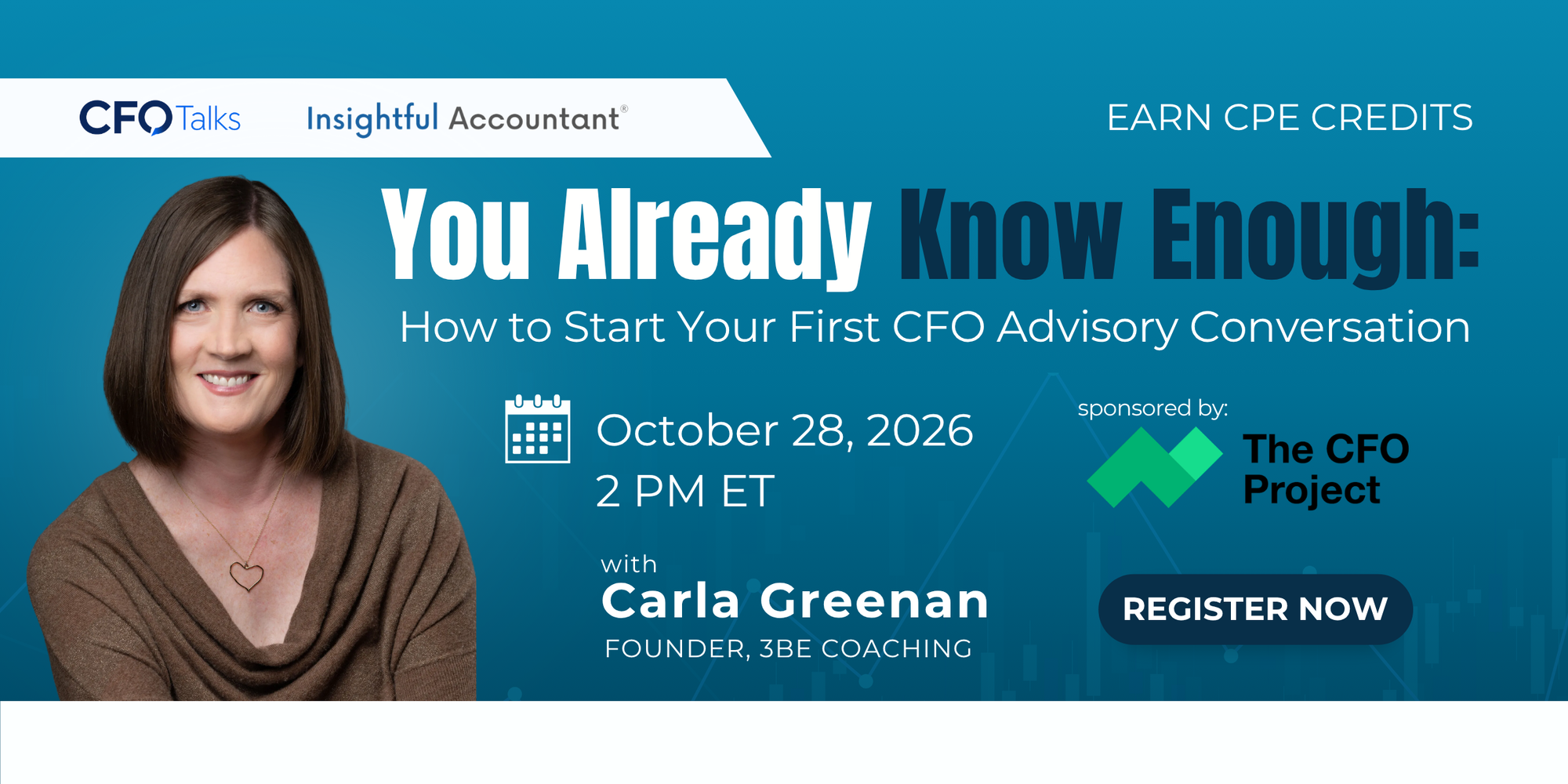
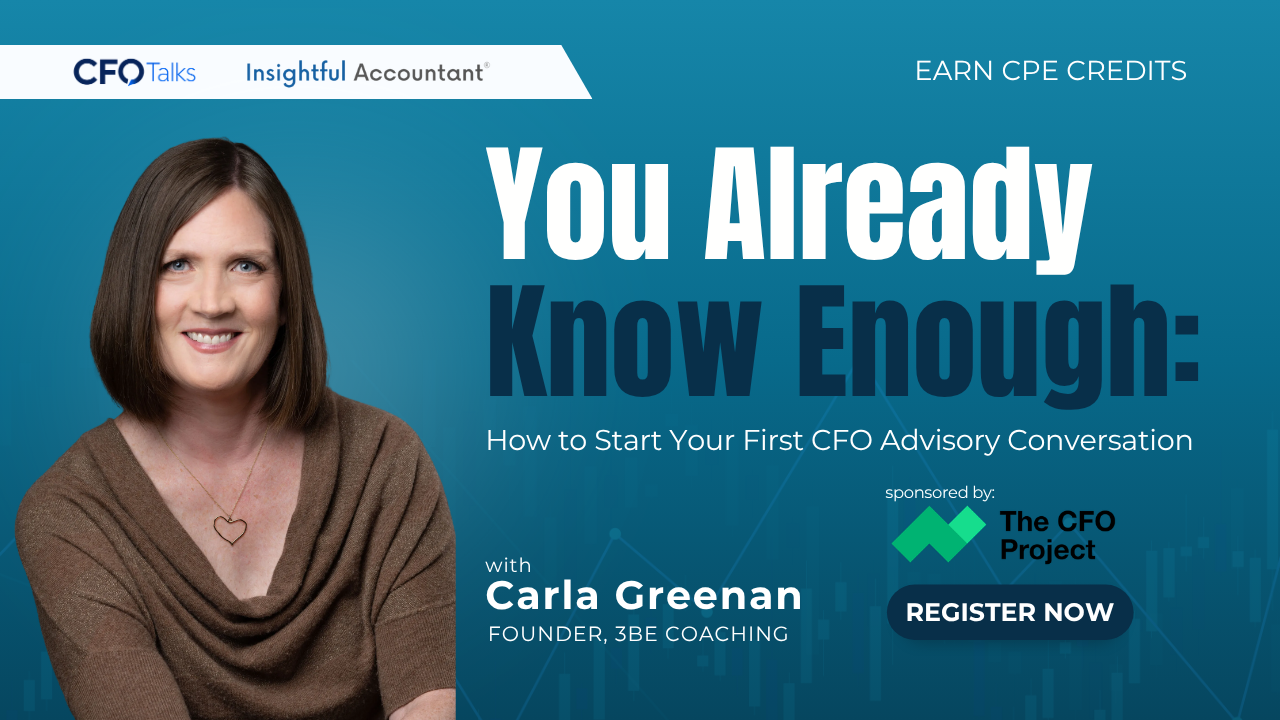
CFO Talks is a new 30-minute Insightful Accountant series featuring focused conversations on the evolving role of the CFO. Each session explores practical topics around financial leadership, strategy, technology, operations, and smarter decision-making.

Register For This Webinar

Overview
Speaker: Dyanna Salcedo, CEO at The CFO Project
Date : September 30, 2026
Time : 12 PM ET
Duration : 30 mins
Language : English

CFO TALKS

September 30, 2026

October 28, 2026

November 11, 2026

Speaker's Info

Be Insightful Premium Content

Build Smarter,

Lead Better,

Stay Informed.

SEP
02
WED
2:00 PM
ET
Examining the Intuit (Professional) Tax Products
Pro

Examining the Intuit (Professional) Tax Products

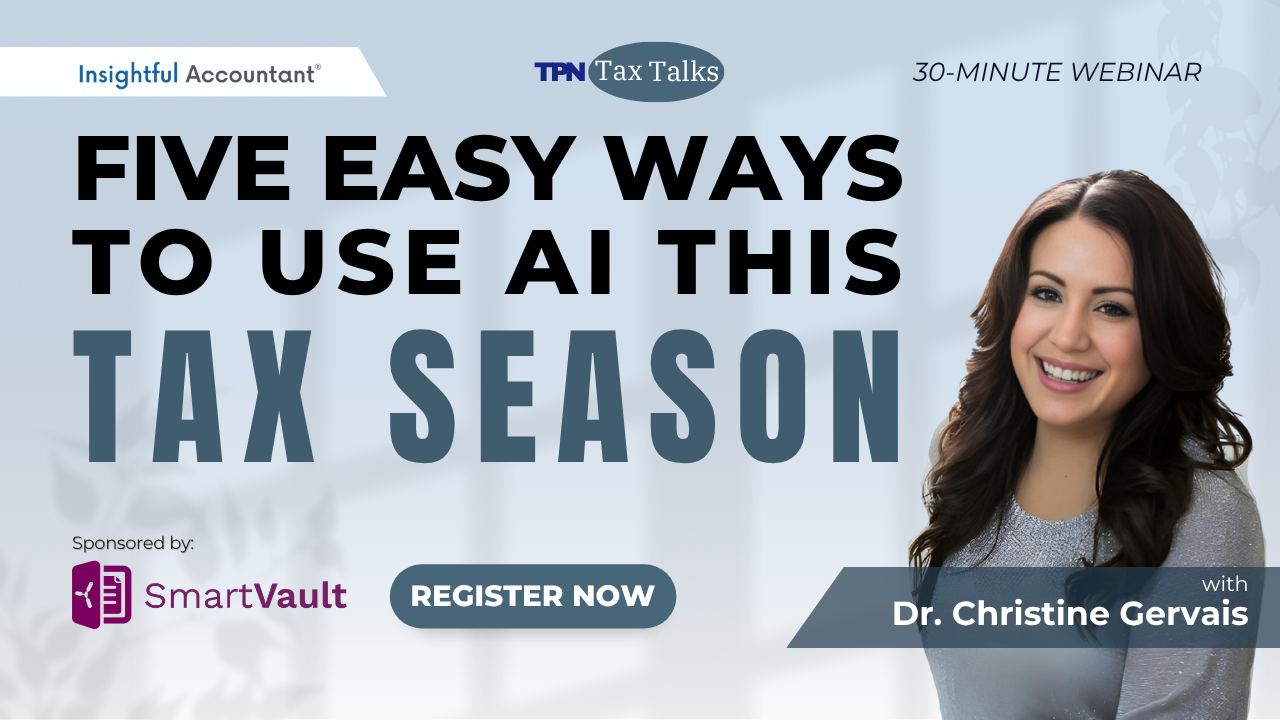
Host: William "Murph" Murphy Presenter: Dr. Christine Gervais Sponsored by: Financially Fit Business With an increase in tax return complexity, and accelerated firm growth, it’s the perfect time to consider tax preparation software before the 2026 tax season. Insightful Accountant’s Dr. Christine Gervais, Sr. Editor of Tax Practice News, will be joining Murph this month to examine Intuit’s various professional tax products. They will examine the key features and differences between Intuit’s ProSeries is a desktop tax software. Lacerte, a desktop tax software for larger firms preparing complex returns, and ProConnect, Intuit’s cloud-based tax software. While Christine knows tax, and what she expects from her tax software, and will give you her insights about each of these programs, Murph understands the in-and-out of the connectivity of these tax offerings with Intuit’s QuickBooks lineup. You could literally spend 3 or more hours getting an overview and sales pitch on each of these tax programs before you ever figured out which of them would work best in your firm and with your clients. Instead, by the end of this one-hour CPE qualified webinar, you should have a clear picture of the best solution for your practice situation. ______________________________________________ Upon completion of the webinar, participants should be able to: Identify (from a list provided) which tax practice tool(s) you currently are using for the preparation of the individual and business tax returns for your clients. Match (from a list provided) which of Intuit’s professional tax software programs are either cloud-based or desktop solutions. Select (from a list provided) which of Intuit’s professional tax software programs have integration with Intuit Accountant Suite which will replace QBO-Accountant in January 2027. So be sure to join Murph and Dr. Christine Gervais on September 2, 2026, at 2:00 PM Eastern as they explore Intuit’s professional tax software options for your 2026 tax returns. If you are not already registered for QBTalks and QBTalks-Apps you can sign up HERE

SEP
09
WED
11:00 AM
ET
Premium

How Faster Collections Improve Tax Reporting Accuracy and Cash Flow Planning

Speaker: Melanie Bowman For accounting and tax teams, A/R efficiency isn't just about DSO — it's about clean revenue recognition data, predictable cash flow for tax planning, and audit-ready documentation. When invoicing, payments, and reconciliation are automated end-to-end and integrated with your ERP, you eliminate the manual reconciliation that clouds your accrual accounting and delays cash flow forecasting. In this session, we walk through how modern A/R automation improves the accuracy and timing of tax reporting — with a real example from a customer managing significant receivables. Perfect for controllers, tax managers, and finance ops leaders looking to get ahead of tax season planning. Learning Objectives: After attending this session, attendees will be able to: 1) Understand how A/R automation improves revenue recognition accuracy and audit readiness for tax reporting 2) See how real-time cash flow visibility from integrated A/R systems enables better tax planning (estimated payments, working capital timing) 3) Learn what clean, audit-ready reconciliation looks like and how it reduces tax prep friction

SEP
09
WED
12:30 PM
ET
Premium

The Hidden Cost of Disconnected Tax Workflows

Speaker: Jonathan Young, VP of Growth Monica Bravo, Product Marketing Manager Most firms focus on efficiency, automation, and AI, but the real challenges inside a tax workflow are often simpler and more human: unclear expectations, too many handoffs, information scattered across tools, and clients or staff feeling unsure about what comes next. Disconnected systems don’t just slow the process down. They unintentionally create client uncertainty, increase decision fatigue for staff, and introduce compliance worries that compound throughout the season. In this session, we’ll break down where friction naturally appears in the tax prep workflow. You’ll learn practical, firm-tested principles to reduce confusion, improve predictability, and strengthen both client and staff confidence. You’ll learn: Why small workflow gaps translate into client uncertainty, and how to fix them How teams lose time to unnecessary decisions, rework, and unclear processes Where fragmented systems create hidden compliance exposure The five points in the tax cycle where bottlenecks appear year after year Strategies to create a calmer, more predictable tax season

SEP
11
FRI
11:00 AM
ET
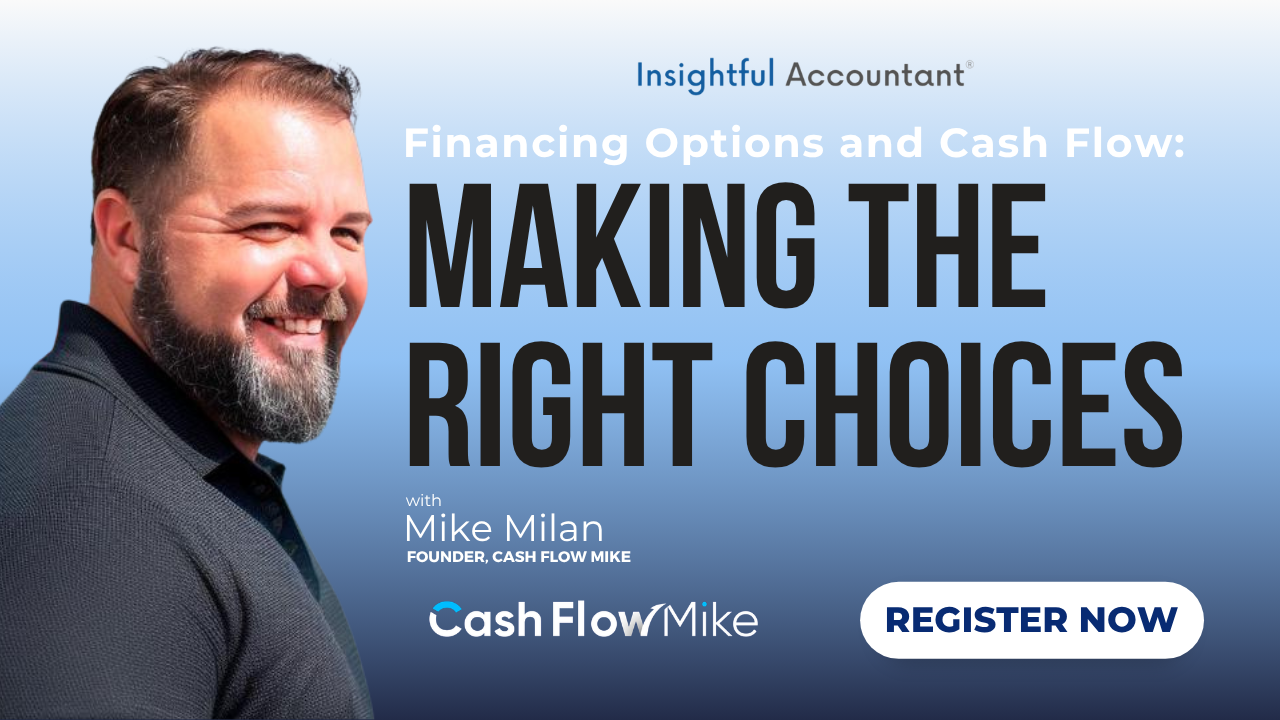
Effective Cash Flow Forecasting: Planning for Growth and Stability
Premium

Effective Cash Flow Forecasting: Planning for Growth and Stability

This month on Cash Flow Mastery, Cash Flow Mike will lead a live demonstration of Forecasting by the Numbers and scenario modeling inside Clear Path To Cash. Attendees will see how to use key financial numbers to build clearer forecasts, explore different business scenarios, and understand how potential decisions could impact future cash flow. It’s a practical session designed to help accountants, bookkeepers, and advisors turn financial data into more confident planning and advisory conversations.

SEP
16
WED
11:30 AM
ET
Capacity Planning and Staff Utilization
Pro

Capacity Planning and Staff Utilization

Speaker: Julie Smith, William Hill Sponsor: Digit Moving from "who's busy" gut-checks to actual WIP and utilization tracking, bottleneck identification, realistic deadline-setting during busy season, and how to spot an overloaded staff member before they burn out or a deadline slips.

SEP
16
WED
2:00 PM
ET
Premium

QBTalks

TBA

SEP
17
THU
2:00 PM
ET
BeInsightful

Difficult Conversation Every Advisor Must Master

Speaker: Debra Kilsheimer Price increases. Scope creep. Late documents. Boundary violations. Welcome to professional services. This class teaches practical frameworks for handling uncomfortable conversations with clarity, confidence, and professionalism. Avoidance is not a communication strategy. Upon completion of the webinar, participants should be able to: · Handle difficult client conversations more confidently · Learn frameworks for structure and emotional control · Set stronger boundaries without damaging relationships

SEP
17
THU
3:30 PM
ET
The AI-Native Firm
Pro

The AI-Native Firm

Speaker: Donna Reade Guest Speaker: Rob Hamilton Sponsored by: Digits What does it mean to be an AI Native Accounting Firm? ● AI-native means building around what AI makes possible, not bolting it onto old workflows ● What changes: pricing, deliverables and what clients actually pay you for ● What it takes: the right stack, the right mindset and letting go of "we've always done it this way" Adding a chatbot to your old process isn't innovation. Donna Reade of Blazr Accounting and Rob Hamilton of Digits break down what it really means to build a firm from the ground up with AI at the core.

SEP
18
FRI
1:00 PM
ET
Premium

Stop Switching Tools: The End to End Tax Workflow for Intuit + QuickBooks Firms

If your firm runs on Intuit (Lacerte, ProSeries, or ProConnect) and juggles QuickBooks on top of it, you already know the real bottleneck isn't tax prep itself. It's everything disconnected around it: chasing documents, re-entering data, and stitching together tools that were never built to talk to each other. Join Daniel Fritz, VP of Product Engineering at SmartVault, for a live, end to end walkthrough of how SmartVault brings your entire tax workflow into one connected system: Engage, Collect, Prep & Review, Deliver, and Archive, so nothing falls through the cracks between client intake and final delivery. In this session, you'll see: How to automate document collection and cut the back and forth email chase A live demo of the full workflow, from client engagement to secure archiving Where SmartVault fits directly into your existing Lacerte, ProSeries, or ProConnect setup Why QuickBooks users in particular are sitting on an even bigger opportunity to streamline, and how to unlock it        Whether you're buried in busy season chaos or just tired of your tools not working together, this session will show you exactly how to get hours back and finally run tax season as one connected process instead of five disconnected ones.

SEP
18
FRI
1:30 PM
ET
Premium

See Invoiced in Action: A/R Workflow from Invoice to Reconciliation

Real-time walkthrough of how modern A/R platforms handle the full invoice-to-cash lifecycle — from invoice generation and payment collection to AI-powered reconciliation and cash flow visibility. We'll show how Invoiced integrates directly with Dynamics (and other ERPs) so accounting teams spend less time toggling between systems and more time on strategic close and forecasting. Ideal for accounting leaders, controllers, and finance ops teams looking to see what streamlined A/R actually looks like in practice.

SEP
22
TUE
2:00 PM
ET
BeInsightful

Niche Marketing

TBA

SEP
23
WED
12:00 PM
ET
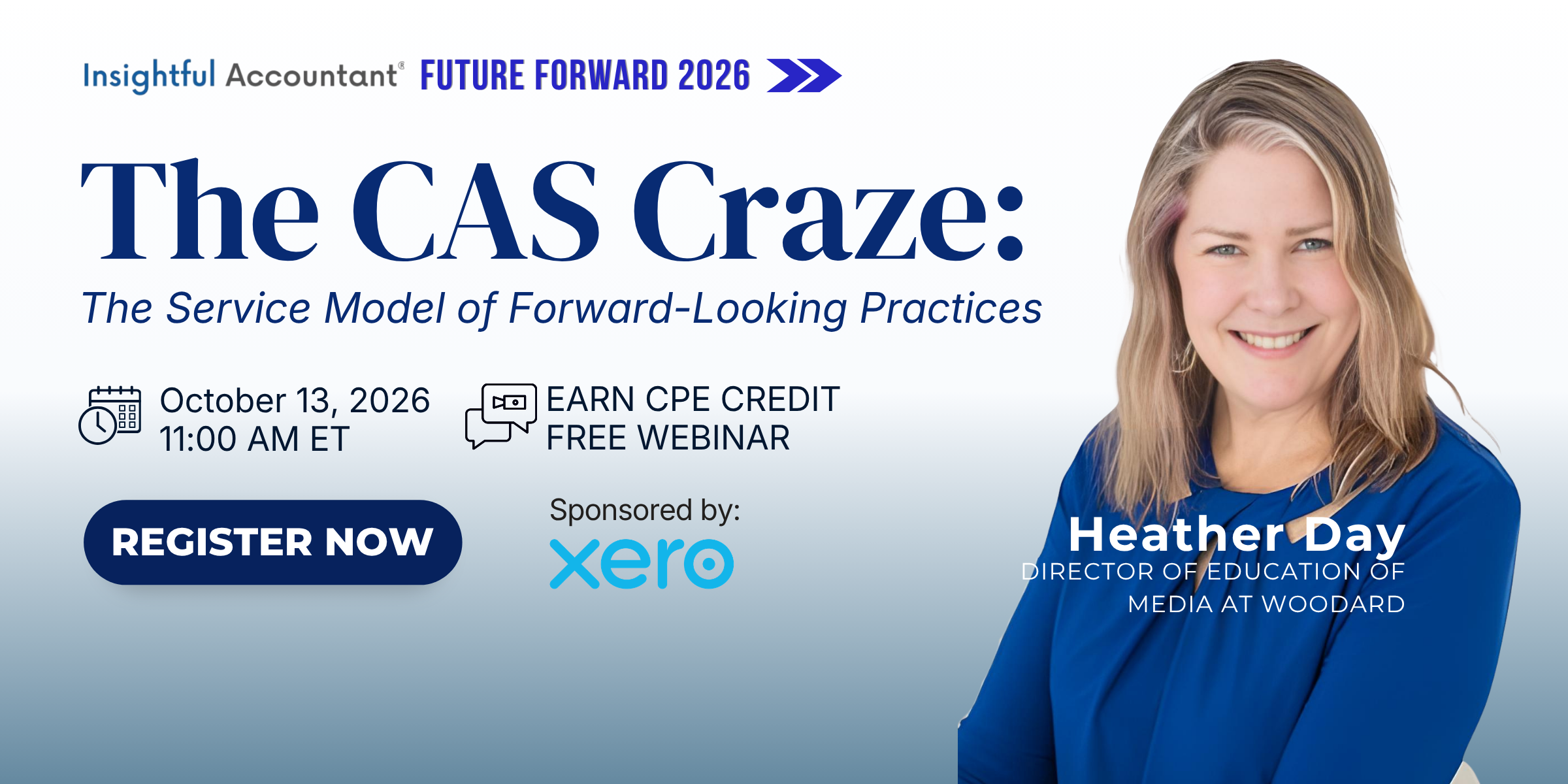
The CAS Opportunity:  CAS is the Future
Premium

The CAS Opportunity: CAS is the Future

Discover why firms are rapidly shifting from compliance to advisory and why CAS has become one of the fastest-growing revenue opportunities in the profession. Learn what CAS actually is, what it isn't, and the mindset required to build a modern advisory practice.

SEP
24
THU
12:00 PM
ET
The Truth About Doing Taxes With AI
BeInsightful

The Truth About Doing Taxes With AI

Speaker: Dr. Christine Gervais AI is already showing up in tax prep, review, and planning workflows this season — but between vendor hype and horror stories about client data leaks, most practitioners still don't know what's actually safe to do with it. This session cuts through the noise. We'll start with realistic, practical ways to use Claude Cowork on real client work — organizing source documents, drafting review notes, building planning scenarios, and speeding up research — alongside the specific settings that protect sensitive taxpayer data while you do it: permission and approval modes, connector and file access controls, and data handling settings. Then we'll cover what has to change outside the software: how firms should be evaluating cyber liability and technology E&O coverage now that AI tools touch client data, what engagement letter language actually protects you when AI assists with a deliverable, and how your WISP needs to be updated under IRS Pub. 4557 and the FTC Safeguards Rule to reflect AI use. Upon completion of the webinar, participants should be able to: Distinguish realistic uses of AI in tax prep, review, and planning from unsafe or overhyped uses Identify and apply the Claude Cowork settings that reduce risk when sensitive taxpayer information is entered (permissions/approval modes, connector and file access controls, and data handling settings) Evaluate whether their firm's current WISP meets IRS Pub. 4557 and FTC Safeguards Rule expectations for AI tool use, and identify the specific updates needed Draft or evaluate engagement letter language that discloses AI use, sets client expectations, and supports firm risk management Assess potential gaps in cyber liability and technology E&O coverage related to AI use, and identify the right questions to bring to their insurance broker

SEP
24
THU
2:00 PM
ET
Pro

Accounting for Taste

TBA

SEP
28
MON
2:00 PM
ET
Pro

AI in Practice

TBA

SEP
29
TUE
12:00 PM
ET
Premium

Beyond the P&L: Uncovering True Profitability For Agriculture Clients

A standard profit and loss statement is built for filing taxes, not for making decisions. On a farm running multiple enterprises — corn, soybeans, cattle, and more — that gap matters more than most accountants realize. Most farmers can't say which part of their operation is actually making money. Most of their accountants can't either, yet. This session goes deep on enterprise-level profitability: what it is, why a blended P&L masks it, and what additional data — beyond what comes out of standard accounting software — is needed to see it clearly. We'll look closely at one of the most overlooked factors in farm profitability: on-farm movement, where crops or feed never leave the operation and never show up as sales revenue, distorting the real picture of which enterprise is carrying the business and which one is dragging it down. You'll see how a small number of additional data points — yield, acreage, livestock movement — can unlock enterprise-level gross margin reporting without requiring a farmer to overhaul their record-keeping. We'll also cover how reporting that's accurate and current does double duty: it drives better advisory conversations, and it's the same reporting a lender wants to see when a client needs financing, expansion capital, or a loan renewal. This session builds on Session 1 but doesn't require it — if you're already having the advisory conversation with farm clients, or stepping into one for the first time, this session gives you the next layer: knowing what's actually driving (or hurting) the bottom line, enterprise by enterprise. Learning Objectives Understand why a standard P&L from QuickBooks masks enterprise-level profitability on a farm Identify the additional data points (beyond accounting data) that reveal true farm profitability Learn how on-farm movement — where crops or feed stay within the operation — changes the numbers See how enterprise trackers in Figured work and how little data is actually required Know how to use gross margin conversations as an advisory entry point or upsell

SEP
30
WED
2:00 PM
ET
When AI Does the Bookkeeping: Where Accountants Create Value Next
Premium

When AI Does the Bookkeeping: Where Accountants Create Value Next

Speaker: Dyanna Salcedo, CEO, The CFO Project Sponsored: The CFO Project The amount of income you can earn from doing compliance work is decreasing. Since AI can now be used to categorise transactions and reconcile accounts faster than you can, and since the initial draft of the variance report is efficient as well, accuracy and speed have become the entry requirements rather than the services you provide. During this session, Dyanna Salcedo, CEO of The CFO Project, goes through a real client file and explains the process that is followed. She then asks AI a question regarding what the owner should do in the next quarter. The response that AI gives is refined and does not alter any of the decisions the business owner should make. Dyanna then notes the reasons for this, and the main reason is not that the AI model is weak. You will be able to identify among your own service offerings those that are at risk of generating less revenue and determine how to test any AI output before it is given to a client. Learning Objectives: After this session, participants will be able to: Identify the difference between the compliance work AI is actively standardizing and advisory work that still requires professional judgment. Explain why falling compliance prices only serves to increase the value of your judgment. List the three failures that occur in the advisory outputs produced by AI and give the reason why a model lacking essential context resorts to general best practices. Sort your own revenue by whether the work is rules-based versus judgment-based and backward-looking versus forward-looking. Apply the professional blueprint required when using client data with an AI tool, including input security and verification of any calculations.